
User Roles & Verification System
Trust & Credibility Made Visible
User Verification & Badges
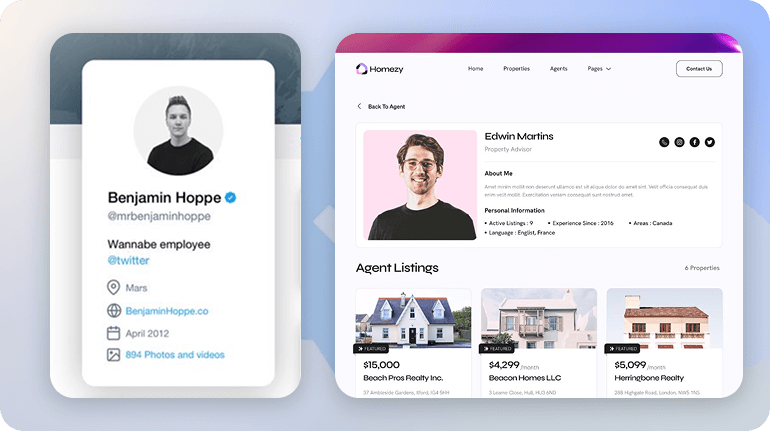
Build trust on your real estate platform by displaying verification badges for agents, agencies, owners, and users. With RealHomes, verified users get a checkmark on their profile, helping clients quickly identify authentic professionals.
Global Admin Control
Manage Verification Badges Site-Wide
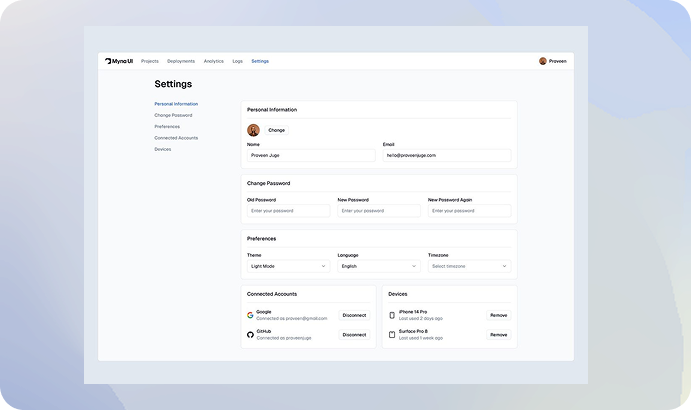
Website administrators can easily enable or disable verification badges for agents, agencies, and owners through the Easy Real Estate options panel. With a simple Show/Hide toggle, you decide where verification badges appear, ensuring trust and consistency across the entire site.
Popular Social Logins
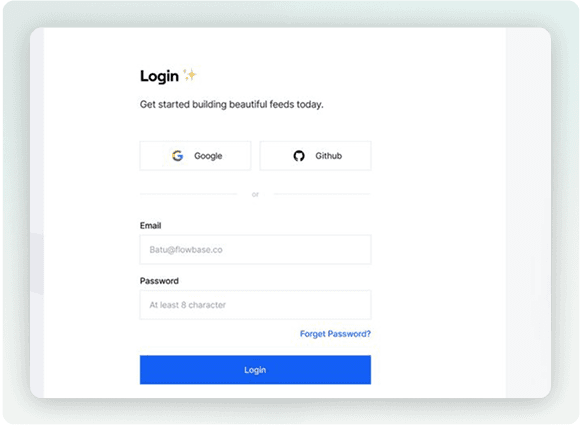
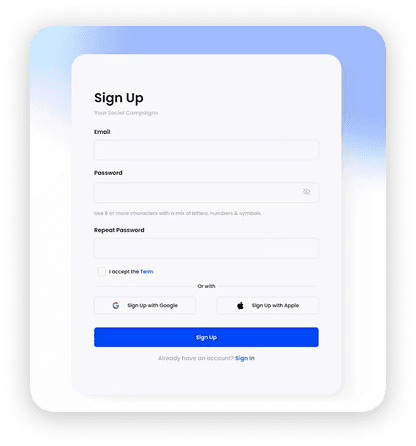
Widely-Used Social Login Networks
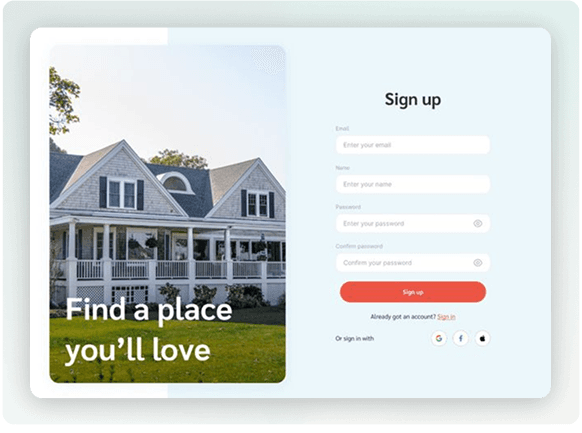
Simplified Page
Popup Module
Decide Who Can Verify
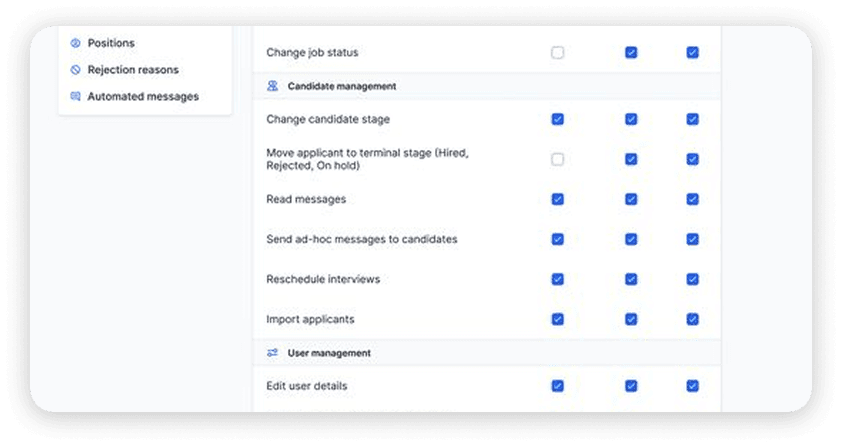
Administrators can allow or disallow agencies from verifying users/agents using the User Role Management settings. This ensures full control over who can assign verification badges, maintaining a secure and consistent process.
Learn MoreBuilding a Safer Real Estate Experience
Why Verification Badges Build Trust
Credibility
Clients can instantly recognize and trust verified professionals, making interactions more reliable.
Security
Helps reduce spam, fake profiles, and potential scams by ensuring only real users get verified.
Transparency
Creates a clear distinction between verified and unverified users, adding confidence to your platform.
Flexibility
Decide who manages verification, admins only or agencies too for smoother role-based control.
Professionalism
A simple checkmark boosts your platform’s overall reputation and professionalism.
Subscribe to our newsletter
Product updates, new themes and developer-feed additions — plus practical guidance for UAE brokerages. No spam, unsubscribe any time.